Drag In Real Components
Pick batteries, resistors, LEDs, switches, motors, meters, sensors, and more from a simple component sidebar.
Learn circuits by building them.
CircuitPop is an educational circuit-building app where students experiment with components, test ideas, and understand why a circuit works before touching a real breadboard.
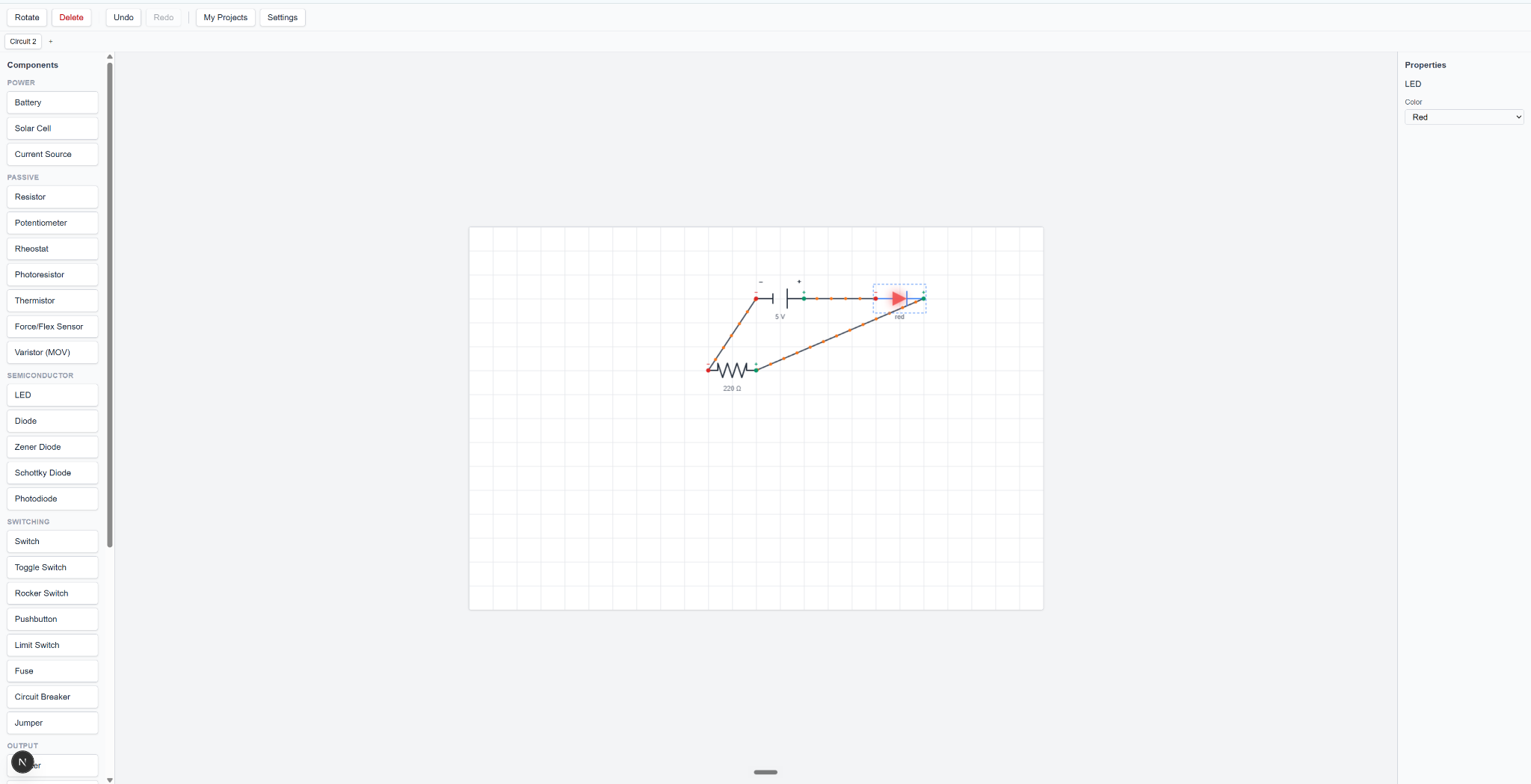
Feature highlights
Pick batteries, resistors, LEDs, switches, motors, meters, sensors, and more from a simple component sidebar.
Connect parts on a clean circuit workspace with snap points, labels, selected parts, and easy undo/redo controls.
Tune values, colors, and microcontroller sketches from the properties panel while building the circuit.
How it works
CircuitPop turns confusing circuit concepts into short, repeatable experiments. Students can make mistakes safely and learn from each one.
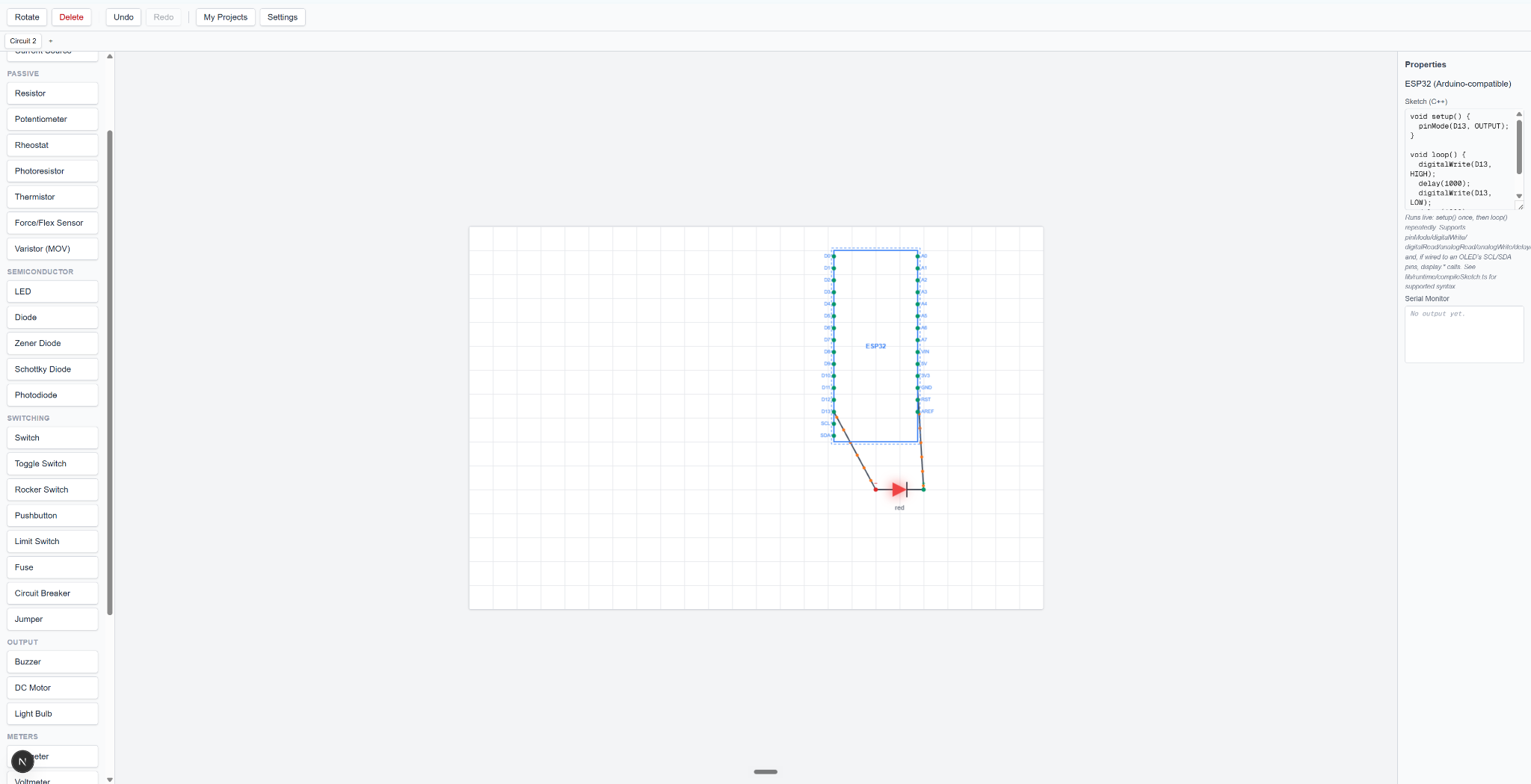
Microcontroller ready
CircuitPop can show both the wiring and the sketch side by side, so students can connect hardware logic to Arduino-compatible code without leaving the same workspace.
Pricing
Pick monthly flexibility or save with the yearly plan. Payment links are coming soon, and both plans will include the desktop app for Mac and Windows.
Monthly
Great if you want to try CircuitPop or use it for one class, project, or build season.
Best value
Save $20 compared with monthly and keep CircuitPop ready for the whole year.
Purchase buttons are placeholders until the payment links are connected.